
This user manual provides installation, configuration, and technical specifications for the Anybus Wireless Bolt communication gateway.
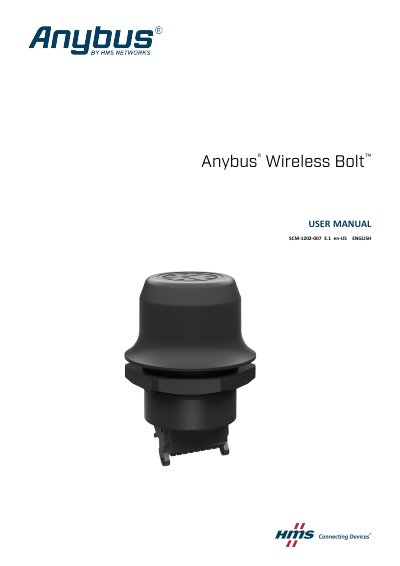
The document serves as a comprehensive guide for installing and configuring the Anybus Wireless Bolt device. It covers safety instructions, mechanical mounting procedures using an M50 hole, and detailed wiring diagrams for Ethernet, RS-232/485, and CAN interfaces. The manual also explains how to use the digital input pin for controlling roaming between Bluetooth access points.
| Order code example (AWB2AA) | Anybus Wireless Bolt with 18-pin plug connector and Ethernet networking only. |
|---|---|
| Operating temperature (Shadow) | -40 to +65°C |
| Maximum range | 100m |
| Power supply voltage | 9–30 VDC (-5%+20%) |
| Weight | 81g |
A minimum distance of 50cm should be observed.
No, WLAN 5GHz cannot be used at the same time as WLAN 2.4GHz or Bluetooth.
The unit will be reset to factory defaults.