
The EZ Gateway Modbus to BACnet Start-up Guide is a quick start guide for EZ Gateway Modbus to BACnet devices. This guide provides instructions on how to install, configure and connect EZ Gateway Modbus to BACnet devices.
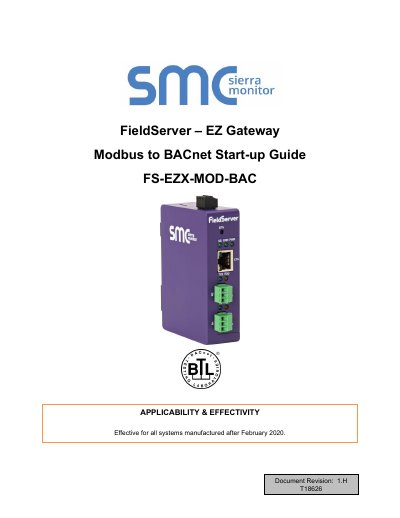
The EZ Gateway is a high-performance, cost-effective multi-protocol gateway providing protocol translation between serial and Ethernet, devices, and networks. It is cloud-ready and connects with MSA Safety's SMC Cloud. The document applies to all systems manufactured after February 2020.
| Input Voltage | 9-30VDC or 24VAC |
|---|---|
| Current draw | 24VAC 0.125A Max |
| Max Power | 3 Watts |
| Operating Temperature | -20°C to 70°C |
| Physical Dimensions | 4 x 1.1 x 2.7 in |
This guide is effective for all systems manufactured after February 2020.
To enable Bias Resistors, move both the BIAS- and BIAS+ dip switches to the right.
DIP switch settings will not take effect unless the unit is power cycled.