
This is the FLIR MR55 user manual, which introduces the product's features and characteristics and usage methods
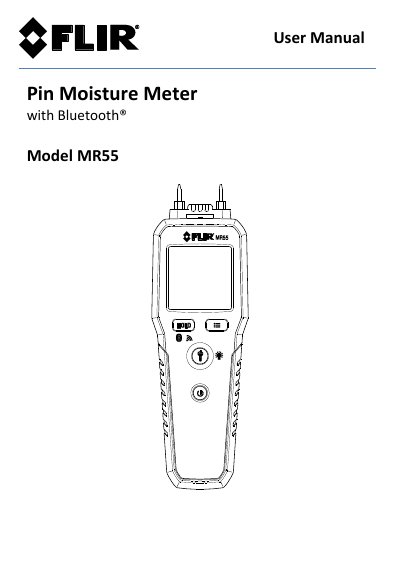
This manual provides instructions for the FLIR MR55 Pin Moisture Meter with Bluetooth® connectivity. The instrument detects moisture in wood and other building materials, including plywood, drywall, and concrete, while also measuring ambient temperature and relative humidity. Key features include Bluetooth data transmission, firmware upgrades via USB, and a replaceable electrode pin design.
| Power Source | 2 x 1.5V 'AA' cells |
|---|---|
| Automatic Power OFF | 20 minutes |
| Moisture Measurement Range (Wood) | 7 to 99% |
| Moisture Measurement Range (Other Materials Group 10) | 1 to 99% |
| Moisture Measurement Range (Other Materials Group 11) | 1 to 35% |
Touch the measurement pins to the test points labeled 'T' on the protective cap; the display should read 18% (±2).
You should return the MR55 for service if the self-test consistently fails.
Short press the HOLD button to freeze the reading, then long press the button to send the data.