
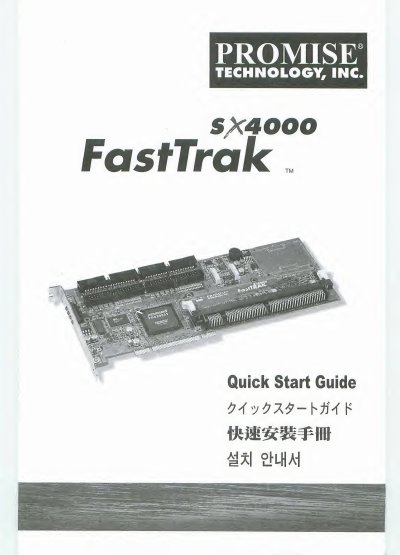
FastTrak SK4000 Quick Stan Guide

Quick Start Guide


FastTrak SK4000 Quick Stan Guide - cover page
Brand
Promise Technology
Category
Storage devices
Document type
Quick Start Guide
Language
English
Pages
34
File format
PDF
File size
3.2 MB
Published
21 October, 2023
Updated
21 October, 2023
MD5 checksum
5C83D261F9FFCB1D3D789A165010E9E8

About this manual

The document serves as a Quick Start Guide for the Promise Technology FastTrak SX4000 controller card. It details the initial setup process, including unpacking the package contents and installing the controller card into a PCI slot on the system motherboard. The guide specifies that the card requires a minimum of 64 MB of DIMM memory and supports up to 256 MB of unbuffered SDRAM.

What's inside

  • Unpack your FastTrak
  • FastTrak Card Installation
  • Connect the Hard Drives
  • Create an Array
  • Driver Installation
  • Windows XP Installation
  • Existing Windows XP System
  • Other Operating Systems

Specifications

Minimum Memory Requirement64 MB
Maximum Memory Support256 MB
Interface TypePCI

Frequently asked questions

What is the minimum memory requirement for the FastTrak SX4000?

The minimum memory requirement is 64 MB.

Can I use ECC memory with the FastTrak SX4000?

Yes, you can use up to 256 MB of ECC or non-ECC, unbuffered 168-pin PCI 00 or higher SDRAM.

Do I need to change BIOS settings for the FastTrak SX4000?

No, the guide states that no changes are necessary in the motherboard CMOS/BIOS Setup for resources or drive types.

Download PDF (3.2 MB)

More Promise Technology Manuals


View all Promise Technology manuals →