
This manual introduces the features and operations of SuperSwap 1600, including product installation, firmware upgrade and common problem solving
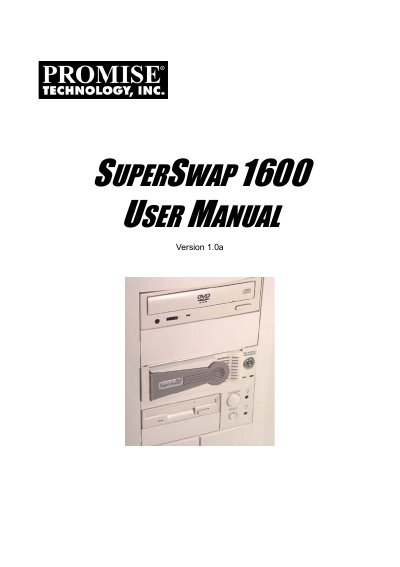
The Promise Technology SuperSwap 1600 is an internal disk drive enclosure designed to install easily into a 5.25-inch component bay in a personal computer or workstation. It enables users to add 3.5-inch or 2.5-inch form factor Serial ATA (SATA) or Serial Attached SCSI (SAS) disk drives to their system without opening the computer cabinet. The enclosure supports hot-swapping of disk drives when used with compatible Promise Technology Serial ATA RAID products.
| Form Factor | 5.25-inch component bay |
|---|---|
| Interface | Serial ATA |
| Supported Drives | 3.5-inch and 2.5-inch SATA/SAS |
| Operating Temperature | 0°C to 45°C |
| Operating Humidity | 5% to 95% non-condensing |
| Housing Dimensions | 42 x 146 x 209.6 mm |
It accepts only Serial ATA and SAS disk drives, supporting 3.5-inch and 2.5-inch form factors.
Yes, it allows you to easily swap disk drives in and out of your computer without opening the cabinet.
The clearance above the SATA data/power connector must be at least 1.3 mm for the drive to fit properly.