
Promise Technology FastTrak/FastTrak66 Device Driver Update Installation Guide

FastTrak/FastTrak66 Device Driver Update Installation Guide
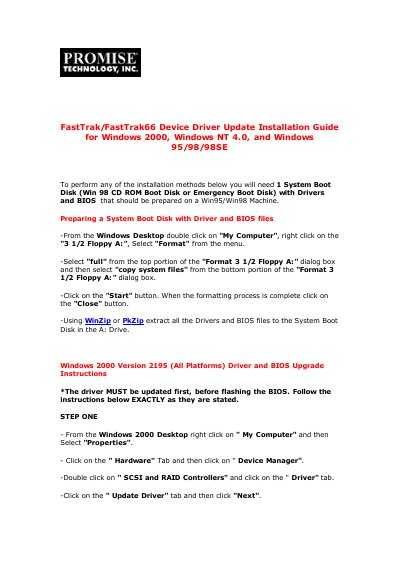

Promise Technology FastTrak/FastTrak66 Device Driver Update Installation Guide - cover page
Brand
Promise Technology
Category
Other Computer Accessories
Document type
User Manual
Language
English
Pages
4
File format
PDF
File size
20 KB
Published
21 October, 2023
Updated
21 October, 2023
MD5 checksum
C783F80C40A0C649DD0782D66BADD68E

About this manual

This document provides instructions for updating the device driver and BIOS for the Promise Technology FastTrak and FastTrak66 IDE controllers. It covers preparation of a system boot disk containing necessary drivers and BIOS files.

What's inside

  • Preparing a System Boot Disk
  • Windows 2000 Driver and BIOS Upgrade
  • Windows NT 4.0 Driver and BIOS Upgrade
  • Windows 98 Driver and BIOS Upgrade
  • Windows 95 Driver and BIOS Upgrade
  • BIOS Flashing Process

Frequently asked questions

What is the first step before flashing the BIOS?

The driver MUST be updated first, before flashing the BIOS.

What command is used to flash the BIOS?

Type ptiflash at the A:\ prompt to flash the BIOS.

What happens if power is turned off during the flashing process?

Doing so will result in a card that is unusable.

Download PDF (20 KB)

More Promise Technology Manuals


View all Promise Technology manuals →