
This manual introduces how to use the Fuji Xerox multifunction printer.
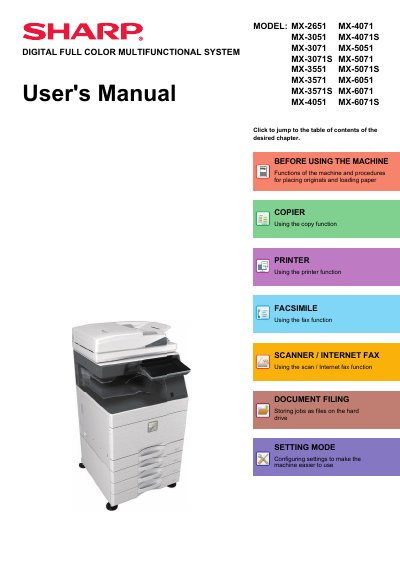
This user manual provides step-by-step instructions for operating Sharp's digital full color multifunctional printers, including copying, printing, faxing, and scanning. It covers setup procedures, paper loading, user authentication, and maintenance tasks such as cleaning and toner replacement. The manual also explains how to use optional peripherals like finishers and punch modules, and includes sections on energy-saving modes and NFC connectivity.
The guide is designed for users of all listed models (MX-2651 through MX-6071S) and assumes familiarity with basic computer operations. It includes troubleshooting tips, safety warnings, and detailed diagrams for parts and functions. The manual is structured by task, with chapters on operation panel controls, paper handling, maintenance, and advanced features like billing codes and Sharp OSA integration.
It automatically feeds and scans multiple originals, and for specific models, it can automatically scan both sides of 2-sided originals at one time.
Received faxes and printed papers are delivered to this tray.
It staples paper, and a punch module can also be installed to punch holes in the output paper.