
Enphase Energy System Activation Guide

This guide explains how to register new Enphase MicroinverterTM solar installations (systems) in the Enphase Enlighten® monitoring system.
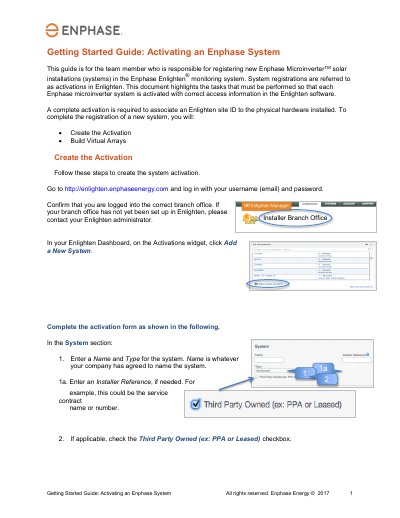

Enphase Energy System Activation Guide - cover page
Brand
Enphase Energy
Document type
User Manual
Language
English
Pages
4
File format
PDF
File size
505 KB
Published
21 October, 2023
Updated
21 October, 2023
MD5 checksum
632D75B7B8282FE19A36B96C911280AB

About this manual

This document serves as a Getting Started Guide for activating Enphase Microinverter systems within the Enlighten monitoring software. It outlines the specific tasks required to associate a site ID with physical hardware, ensuring correct access information is recorded. The guide is intended for team members responsible for registering new installations.

What's inside

  • Getting Started
  • Create the Activation
  • Build Virtual Arrays
  • System Host Information
  • Location Details
  • Envoy Section
  • Modules and Installation
  • Installation Map
  • Production Estimate
  • System Access

Frequently asked questions

What is the purpose of this guide?

It is for the team member responsible for registering new Enphase MicroinverterTM solar installations in the Enlighten® monitoring system.

What must be done to complete the registration of a new system?

You must create the Activation and Build Virtual Arrays.

Where should you go to log in and create the activation?

Go to http://enlighten.enphaseenergy.com and log in with your username (email) and password.

What should you enter in the Owner section if the system is not a PPA or leased system?

Enter name and phone number for the system owner.

Download PDF (505 KB)

More Enphase Energy Manuals


View all Enphase Energy manuals →