
This guide provides instructions on how to install and configure the Envoy Communications Gateway.
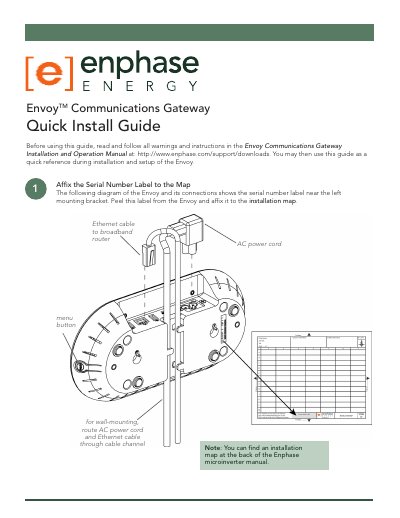
This guide provides step-by-step instructions for installing and setting up the Envoy Communications Gateway. It covers registering the device, connecting Ethernet and power cables, finding a suitable location, and performing communication checks. Optional steps include using power line communication bridges and wall-mounting the device. Troubleshooting sections address common issues like internet connection problems and device detection delays.
Make sure that the broadband router is operational. Check that other devices at the site can access the Internet. If the broadband router is operational, press and hold the Envoy menu button and release it when the LCD window displays Get New IP Address. Wait for 15 minutes. If this fails, unplug the Envoy, wait for 20 seconds, and plug it back in. Wait 15 minutes for connection.
Contact Enphase Customer Support.