
This is the user manual for Philips water dispenser ADD4965 ADD4968
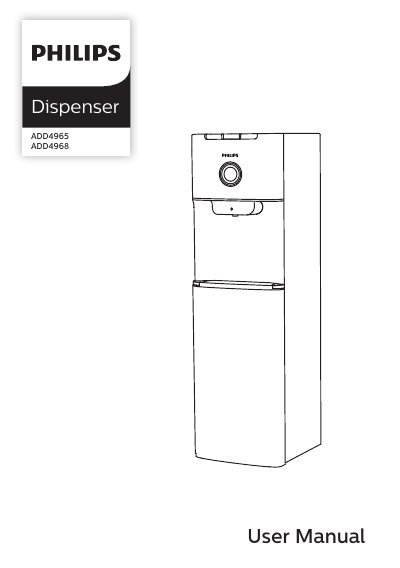
This manual provides step-by-step instructions for setting up and operating the Philips ADD4965 ADD4968 water dispenser, including how to install the water bottle, use the heating and cooling functions, and replace the filter. It also explains the UV-LED feature for bacterial control and includes safety precautions and maintenance tips for optimal performance and longevity.
| Model | ADD4965 ADD4968 |
|---|---|
| Rated Voltage | 220-240V |
| Heating Power | 500W |
| Cooling Power | 85W |
| Hot Water Output | ≥90℃, 5L/h |
| Cold Water Output | ≤10℃, 2L/h |
Open the cabinet door, remove the stainless steel pipe, press the cold water button to empty the tank, turn the old filter counterclockwise to remove it, screw the new filter clockwise until the dots align, press and hold the reset button for 5 seconds, then flush the filter as instructed.
The UV-LED light is installed in the cold water tank to kill bacteria that may grow inside, and it is controlled automatically by the software program once the dispenser is connected with power.
It takes around 20 minutes for hot water and around an hour for cold water to reach optimal temperature after first turning on the switch.