
This is a user guide for SpeedTouch 585(v6).
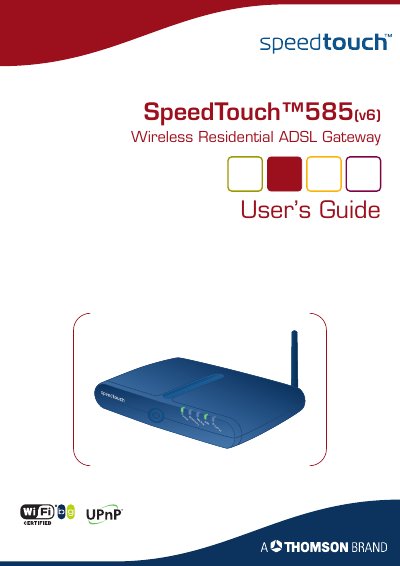
This user manual provides step-by-step instructions for setting up and configuring the Thomson SpeedTouch 585 (v6) wireless ADSL gateway. It covers local network setup, internet connectivity, web interface navigation, and troubleshooting. The guide includes sections on accessing the device via web, CLI, or FTP, configuring wireless settings, managing users, and resetting to factory defaults. It also explains how to handle common issues and restore default settings using either software or hardware reset methods.
You can reset it using either a software reset (via the web interface) or a hardware reset (using a pen or paperclip to press the reset button on the back panel).
The default IP address is 192.168.1.254, unless the computer's IP is not in the same subnet.