
This is an article about how to use the Thomson ONE Banker transposer tool, which can turn the default data output of Thomson ONE Banker into output per variable, making it easier to use the data in SPSS and other software.
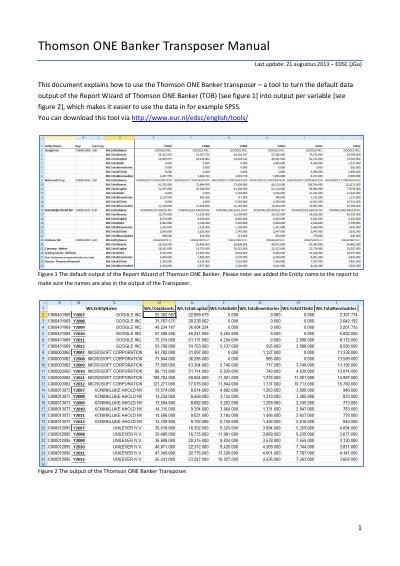
This manual explains how to use the Thomson ONE Banker Transposer, a tool that converts default report output into variable-based output for easier use in software like SPSS. The process involves opening the transposer, pasting data from the Report Wizard, running a macro, and waiting for the transposed output to appear.
The tool requires the output to include 'Entity Name:' in the upper left corner to function correctly. Users must enable content in Excel to run the macro, and the output is generated in a new 'Transposed' sheet.
In Excel 2007, go to the View tab, click Macros, select TOBtransposer_AvO.xls!Transpose.Transpose, and click Run.
The output must include 'Entity Name:' in the upper left corner; otherwise, the macro cannot start transposing.