
This is a guide about multi-factor authentication
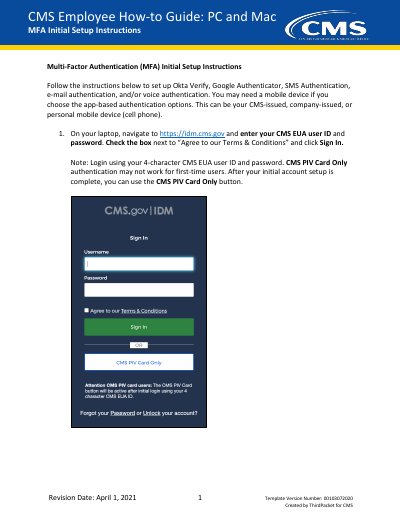
This guide helps CMS employees configure multi-factor authentication (MFA) for secure access to systems. It covers setting up Okta Verify, Google Authenticator, and SMS authentication using mobile devices or email. Users are advised to set up at least two authentication methods for redundancy. The guide includes step-by-step instructions for each method, including downloading apps, scanning QR codes, and entering verification codes.
Navigate to https://idm.cms.gov.
The code cycles/updates every 30 seconds.
A mobile device and the Okta Verify app from the App Store or Google Play store.