
Thomson Reuters Eikon — Microsoft Office Quick Start Guide

This Quick Start Guide provides information about how to use Thomson Reuters Eikon in Microsoft Office.
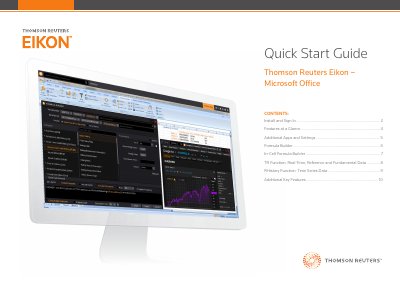

Thomson Reuters Eikon — Microsoft Office Quick Start Guide - cover page
Brand
Thomson Reuters
Category
Other software
Document type
User Manual
Language
English
Pages
11
File format
PDF
File size
3.4 MB
Published
21 October, 2023
Updated
21 October, 2023
MD5 checksum
BA323A44FD91D36513AD80233EE2F688

About this manual

This document serves as a quick start guide for the Thomson Reuters Eikon add-in for Microsoft Office. It covers the installation process, which occurs automatically with the main Eikon software, and provides instructions for signing in to access real-time and fundamental data. The guide details how to navigate the Thomson Reuters ribbon in Excel and manage settings.

What's inside

  • Install and Sign In
  • Getting Help, Support and Training
  • Connection Status
  • Features at a Glance
  • Additional Apps and Settings
  • Formula Builder
  • In-Cell Formula Builder
  • TR Function: Real-Time, Fundamental and Referential Data

Frequently asked questions

How do I install Thomson Reuters Eikon — Microsoft Office?

The add-in loads automatically when you install Thomson Reuters Eikon; you do not need to install anything else.

What causes an inability to sign in?

The most likely cause is an incorrect password or no Internet connection.

How can I get help after signing in?

You can consult online help and FAQs, press F1 for context-sensitive help, or contact Thomson Reuters Support.

Download PDF (3.4 MB)

More Thomson Reuters Manuals


View all Thomson Reuters manuals →