
This manual introduces the features of NKK Switches IS-DEV KIT-9 development kit, including hardware composition, operational overview, programming methods, communication protocols, control commands, etc.
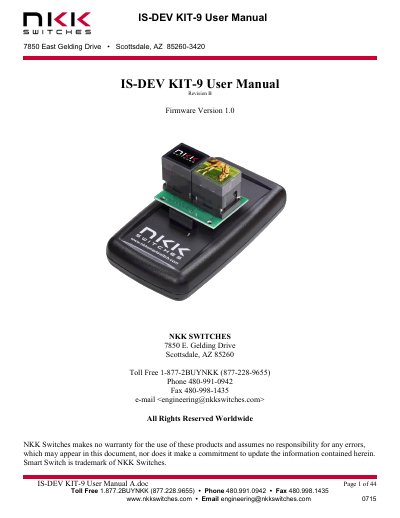
The IS-DEV KIT-9 is a development kit featuring two Frameless OLED SmartSwitches (ISF15ACP4) and a CL04 controller. It supports real-time control via RS232, stand-alone operation, and adjustable brightness for OLED displays. The kit includes preprogrammed firmware and can be reprogrammed using Universal Communicator 2015 software. It is designed for testing and integrating OLED switches into new applications.
The kit operates in brightness adjustment mode upon power-up, allowing users to set brightness levels from 0 to F (maximum). After 2.6 seconds of inactivity, it enters main operational mode, where images and attributes can be controlled via switch presses or RS232 commands. The onboard microSD flash can store up to 65,536 images and attribute blocks for custom configurations.
| OLED Switches | Two Frameless OLED SmartSwitches (ISF15ACP4) |
|---|---|
| Display Resolution | 96 x 64 pixels |
| Power Supply | 9V battery or AC power supply (battery not included) |
| Flash Memory | Up to 65,536 images |
| Brightness Levels | 16 levels (0 to F) |
| Communication Interface | RS232 (115.2K, 1 start bit, 8 bit, 1 stop bit) |
| Power Requirement | 5V to 9V at 180 mA max |
The kit includes a CL04 controller, a logic board, two OLED switches (ISF15ACP4), a power supply, and an RS232 cable.
You can program it using the free Universal Communicator 2015 software, which allows downloading images and attributes.
The onboard microSD flash can store up to 65,536 images and attribute blocks.