
This file introduces the features and usage of Bosch BCC100 thermostat, including home screen settings, weather, schedule, device settings, system settings, etc.
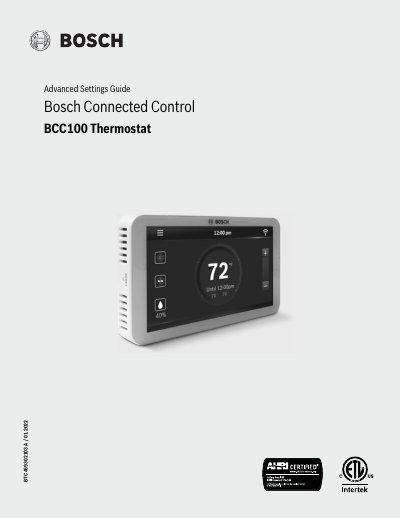
This document serves as an Advanced Settings Guide for the Bosch Connected Control BCC100 Thermostat. It details how to configure various thermostat features including heating and cooling set points, weather information, and scheduling options directly from the device interface.
The guide also covers Device Settings such as Wi-Fi configuration, screen brightness, and timeout settings. Additionally, it explains System Settings for HVAC control, including fan modes, humidity control, and temperature units, as well as specific Installer Access procedures for professional configuration.
| Heating Set Point Range | 45°F to 99°F |
|---|---|
| Cooling Set Point Range | 45°F to 99°F |
| Temperature Unit Options | °F or °C |
| Professional Access Code | 1886 |
The available fan modes are Auto, On, and Circulation.
The default heating set point is 68°F.
The deadband cannot be configured less than 5°F.
The available timeout options are 20sec, 1 min, and 3 min.