
This operation guide introduces the operation methods, daily maintenance and troubleshooting of ECOSYS M2030dn/ECOSYS M2530dn/ECOSYS M2035dn/ECOSYS M2535dn.
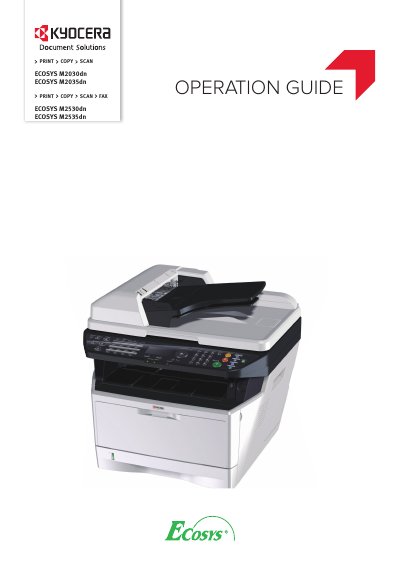
This Operation Guide is intended to help users operate the ECOSYS M2030dn/ECOSYS M2530dn/ECOSYS M2035dn/ECOSYS M2535dn machine correctly, perform routine maintenance, and take simple troubleshooting actions. The guide also includes instructions for the ECOSYS M2030dn/PN model and distinguishes between the 30 ppm and 35 ppm models. It recommends using Kyocera's own brand supplies to avoid liability for damage caused by third-party supplies.
| Copy Speed | 30 ppm or 35 ppm |
|---|---|
| Copy Speed | 30 ppm or 35 ppm |
| Paper Weight (Cassettes) | 60 to 120 g/m2 |
| Paper Weight (Multi purpose tray) | 60 to 220 g/m2 |
| Paper Thickness | 0.086 to 0.110 mm |
The guide recommends the use of the manufacturer's own brand supplies to ensure correct operation.
The manufacturer will not be liable for any damage caused by the use of third party supplies.
Yes, this Operation Guide also includes instructions on the ECOSYS M2030dn/PN model.