
Videx 5178N/W Wireless Audio Answering Machine User Manual

5178N/W is a wireless audio answering machine. You can answer the phone and open the door.
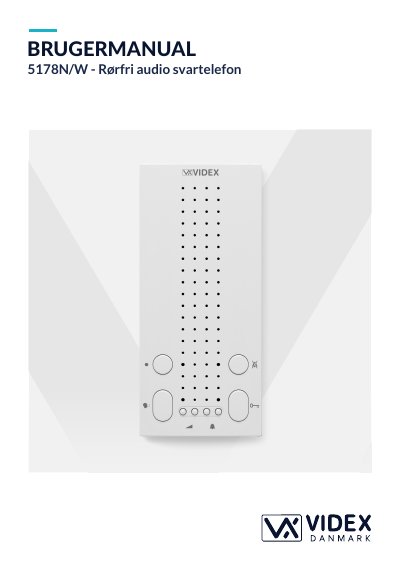

Videx 5178N/W Wireless Audio Answering Machine User Manual - cover page
Brand
Videx
Category
Other
Document type
User Manual
Language
DA
Pages
3
File format
PDF
File size
306 KB
Published
20 October, 2023
Updated
20 October, 2023
MD5 checksum
862B41863C4C33692C1E805E083657EA

About this manual

This manual provides instructions for the Videx 5178N/W wireless audio answering machine. It explains how to answer calls, adjust speaker volume, and use the night silence feature. The device signals incoming calls with a ringtone and allows the door to be opened by pressing a specific button after answering.

What's inside

  • Besvarelse af opkald
  • Volumestyrke
  • Natafbryder
  • Programmering af ringetonen
  • Antal ring
  • Tidsinterval for natafbryder

Frequently asked questions

What button is used to answer or end a call?

The talk button is pressed once to answer or end a call.

How long must the night mode button be held to set the time duration?

The night mode button must be held for about 10 seconds to activate the setting mode.

What is the default number of rings before the call is answered?

The default number of rings is 6.

How many different ringtones are available to choose from?

There are 9 different ringtones available.

Download PDF (306 KB)

More Videx Manuals


View all Videx manuals →