
B100 is a Wiegand biometric reader for access control applications. It offers storage up to 100 fingerprints and programmable Wiegand Output (8 to 128 bits). Configuration of the readers and fingerprint enrollment is done through PC Software. Connection between the biometric readers is RS485 and it is used for fingerprint transfer and configuration. When used with third party controllers, readers must be connected to a controller with TCP/IP communication.
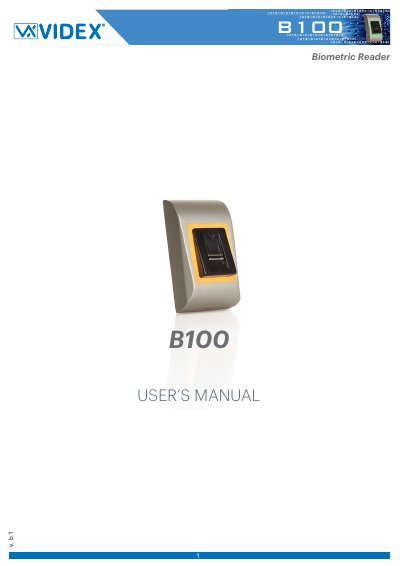
This manual provides instructions for the Videx B100, a Wiegand biometric reader designed for access control applications. It supports up to 100 fingerprints and features programmable Wiegand output from 8 to 128 bits. The device includes anti-spoofing technology to detect fake fingers and is compatible with PROS CS software and BIOMANAGER for configuration and enrollment.
| Fingerprint capacity | up to 100 fingerprints |
|---|---|
| Fingerprints per user | 1-10 fingerprints |
| Wiegand Output | 8 to 128 bits |
The B100 can store up to 100 fingerprints.
The default Wiegand output is 26 bits.
Configuration is done through PC Software such as PROS CS or BIOMANAGER.