
This document is the user manual for the UDP3000 series DC power supplies, which introduces the functional characteristics and usage methods of the series power supplies
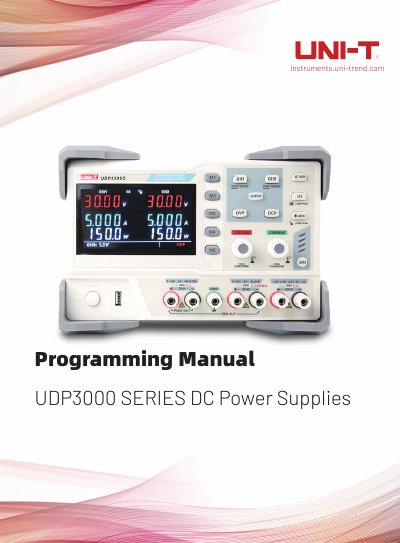
This manual provides programming instructions for configuring and operating Uni-Trend UDP3000 series DC power supplies. It includes a list of SCPI-style commands for setting voltage, current, output status, and protection limits. Commands are grouped by function, with syntax and examples for each. The manual also explains how to query instrument status and retrieve error codes or software version.
The device supports up to three channels (CH1, CH2, CH3), with commands to select, measure, and set parameters for each. Protection features like overvoltage (OVP) and overcurrent (OCP) can be enabled or configured with specific values. Status queries return hexadecimal values that indicate operational modes and protection states.
Use the *IDN? command. It returns
Use the CH1:VOLTage
It is a hexadecimal status code. Bit 0 indicates CH1 is in CV mode (0) or CC mode (1). Bit 1 indicates CH2 mode. Bits 2-3 indicate connection mode (01=Independent, 10=Parallel, 11=Serial). Bit 4 indicates output enable (0=off, 1=on). Bits 5-6 indicate OVP and OCP enable status.