
Uni-Trend UT204A Digital Clamp Meter User Manual

This user manual provides operating instructions, safety warnings, and measurement guides for the Uni-Trend UT204A 4000-count AC/DC digital clamp meter.
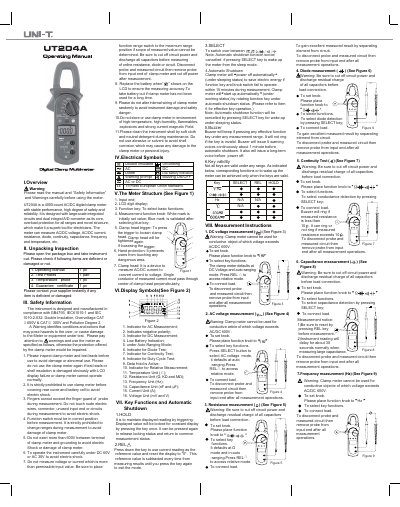

Uni-Trend UT204A Digital Clamp Meter User Manual - cover page
Brand
Uni-Trend
Document type
User Manual
Language
English
Pages
2
File format
PDF
File size
728 KB
Published
18 October, 2026
Updated
18 October, 2026
MD5 checksum
C60FDEDA2A947B2C2BBAE56F6BEB551E

About this manual

The document serves as a comprehensive guide for the Uni-Trend UT204A digital clamp meter, covering unpacking inspection, electrical symbols, and key functions. It details how to use the instrument's features such as data hold, relative measurement, and automatic shutdown to ensure accurate readings while maintaining safety.

What's inside

  • Overview
  • Unpacking Inspection
  • Safety Information
  • Electrical Symbols
  • Meter Structure
  • Display Symbols
  • Key Functions
  • Measurement Instructions

Frequently asked questions

What is the maximum voltage the meter can safely measure?

The meter cannot be used for conductive objects where the voltage exceeds AC/DC 600V.

How long does the meter stay on before it automatically shuts off?

The meter powers off automatically if the function key and knob switch are not operated within 15 minutes.

When does the meter indicate that the battery needs replacing?

The battery should be replaced when the low battery symbol appears on the LCD display.

Download PDF (728 KB)

More Uni-Trend Manuals


View all Uni-Trend manuals →