
Uni-Trend UTi85H+ Professional Thermal Imager User Manual

This user manual provides operating instructions, safety guidelines, menu navigation, and specifications for the Uni-Trend UTi85H+ Professional Thermal Imager.
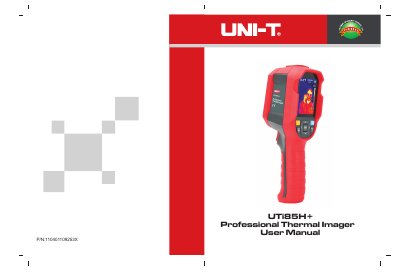

Uni-Trend UTi85H+ Professional Thermal Imager User Manual - cover page
Brand
Uni-Trend
Document type
User Manual
Language
English
Pages
11
File format
PDF
File size
5.5 MB
Published
13 October, 2026
Updated
13 October, 2026
MD5 checksum
9753A32A88C5F687734A399421094476

About this manual

The Uni-Trend UTi85H+ is a professional thermal imager designed to measure surface temperatures. The device features a 2.8-inch display with a resolution of 320x240 pixels and supports various color palettes including Iron Red, Rainbow, White Hot, Red Hot, and Ice Blue. It allows users to select temperature units (°C or °F) and configure high/low temperature alarms.

What's inside

  • Safety Instructions
  • Structure Description
  • Display Features
  • Power On/Off
  • Menu Introduction
  • Operating Instructions
  • USB Communication
  • Specifications
  • Maintenance

Frequently asked questions

What is the optimal measuring distance for this product?

The optimal measuring distance for this product is 1 meter.

How long should I wait before measuring after changing environments?

When changing to a new environment, please turn on the product and leave it for 10 to 15 minutes before measuring.

What are the available color palette options?

The available color palettes include Iron Red, Rainbow, White Hot, Red Hot, and Ice Blue.

Download PDF (5.5 MB)

More Uni-Trend Manuals


View all Uni-Trend manuals →