
UT300 series non-contact infrared thermometer operation manual
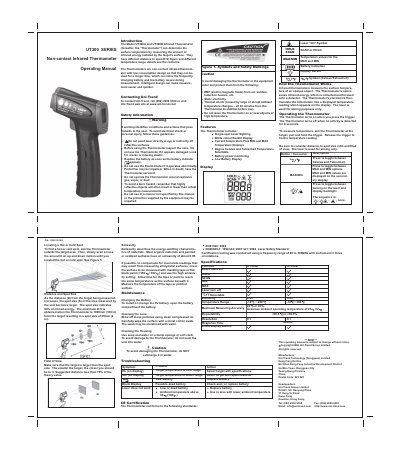
This manual provides operating instructions for the Uni-Trend UT300A and UT300B non-contact infrared thermometers. These devices measure surface temperature by detecting infrared energy and feature a low-power design with intelligent auto-shutoff to extend battery life. The thermometers utilize a laser for aiming and offer selectable emissivity settings for accurate readings on various surfaces.
| Temperature Range | -18 ~ 280 °C (UT300A) / -18 ~ 380 °C (UT300B) |
|---|---|
| Measuring Accuracy | ±2 or ±2% |
| Repeatability | <±0.5 or <±0.5% |
| Emissivity | 0.95 |
The thermometer turns on when you press the trigger and turns off when no activity is detected for 8 seconds.
The laser is used for aiming purposes only and does not measure temperature.
Aim the thermometer outside the target area and slowly scan across the area with an up and down motion until you locate the spot.