
This document is a reference manual for the Yamaha RM-TT boundary microphone. It provides detailed information on the product's functions and specifications, as well as the Web GUI.
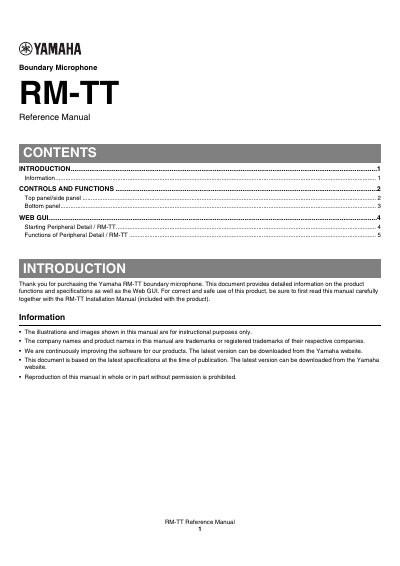
This manual explains how to operate and configure the Yamaha RM-TT boundary microphone, including its physical controls, LED indicators, and Web GUI settings. It covers microphone directivity options, digital signal processing, IP address configuration, and firmware updates via the RM-CR Device Manager. The guide also includes instructions for exporting and importing configurations and resetting defaults.
The RM-TT integrates with Yamaha’s RM-CR system for networked audio control, with detailed steps for accessing and modifying settings through the Web GUI. Safety and compatibility notes are included, such as avoiding EEE (Energy-Efficient Ethernet) on Dante networks to prevent clock synchronization issues.
| Model | RM-TT |
|---|---|
| Main Version | V1.1.0 |
| Serial Number | $7M001001 |
| MAC Address | AC:44:F2:20:28:13 |
Log in to the Web GUI "RM-CR Device Manager", click [SETTINGS], then [Peripheral], and select the unit from the [REGISTRATION SETTINGS] list to view its details.
Update the firmware via the [Update] window of the RM-CR Device Manager. Refer to the RM-CR Reference Manual for details.
Yes, use the [RESET DEFAULTS] option to reset all settings. Be sure to check what will be reset before proceeding.