
This document is about the user guide for the management functions of ATMGurus of Triton
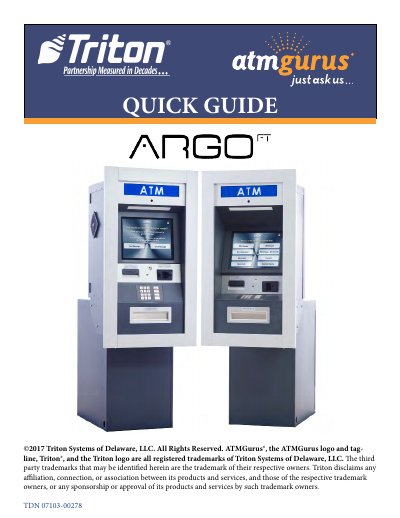
This guide explains how to access and use the management functions of the Triton ATMGurus ATM system. Users can configure terminal settings, change passwords, restart or shut down the terminal, run diagnostics, and manage cassettes. It also covers journal functions, terminal configuration reports, and procedures for replenishing receipt paper and cassettes.
The guide includes step-by-step instructions for day closing, trial closing, and cassette closing, as well as how to unlock electronic combination locks and load currency into cassettes. All operations are performed through the Management Functions menu accessed via specific key combinations.
At the ATM welcome screen, press and hold the
Navigate to Management Functions > Password Maintenance > Change User Password. This function allows the currently logged in user to change their password.
Enter the six-digit combination. After the final digit, the lock will beep twice and the 4-second open period begins. Lift the lever under the tab to open the door.