
This manual provides configuration and operation instructions for Triton ARGO Series ATMs, covering setup, maintenance, and management functions.
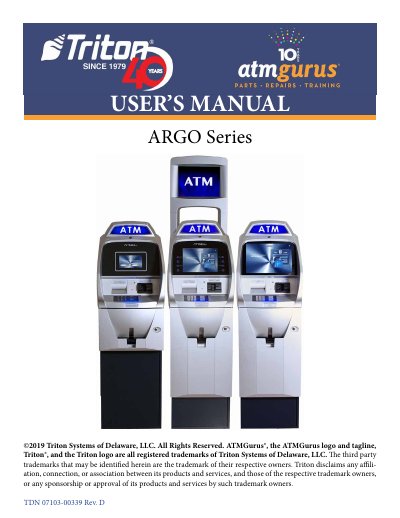
This user guide covers the configuration information for the Triton ARGO Series Automated Teller Machines (ATM). It is designed for service personnel involved in installing, converting, or upgrading hardware on these units. The manual details standard features, basic operations, and provides step-by-step instructions for various management functions.
| Operating System | Windows CE 7.0 (ARGO 15") / Windows CE 5.0, 6.0, or 7.0 (ARGO 7" and 12.1") |
|---|---|
| RAM | 512 MB |
| Flash Drive | 128 MB |
| Power Voltage | 100-240 VRMS at 50/60 Hz |
| Temperature Range | 10° C - 40° C (50° F - 104° F) |
| Relative Humidity | 20% - 80% for paper notes / 20% - 70% for polymer notes |
| LCD Resolution | 1024 x 768 capacitive touch (ARGO 15") / 800 x 600 (ARGO 12.1") / 800 x 480 (ARGO 7") |
The ARGO series uses a Microsoft® Windows® CE 7.0 operating system, while other models support Windows CE 5.0, 6.0, or 7.0.
The unit requires a voltage of 100-240 VRMS at 50/60 Hz, with a max current of 3.3A @ 115 VRMS.
Yes, ARGO 7" and 15" units provide e-receipt technology allowing users to enter an email address or phone number via the on-screen keypad.