
This document is the user manual of DTC digital torque meter
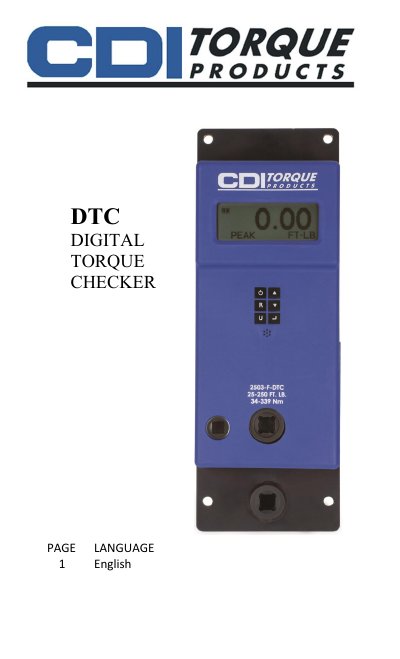
This manual provides instructions for the CDI 2503-F-DTC Digital Torque Checker, a device used to verify the accuracy of torque wrenches. It includes critical safety warnings regarding over-torquing and electrical hazards, as well as proper usage procedures to ensure measurement accuracy and user safety.
| Display Type | Dot Matrix LCD (192 x 65 Resolution) |
|---|---|
| Socket Type | ½" Female Square Drive |
| Accuracy (Torque) | ±1% of reading, 10% to 100% of full scale |
| Operating Temperature | 0°F to 130°F (-18°C to 54°C) |
| Battery | Three "AA" Alkaline Cells |
The modes are PEAK for dial and electronic wrenches, 1.Peak for click style wrenches, and Track for both types.
The device can operate for up to 40 hours of continuous operation on three AA alkaline cells.
The default auto shut-off is set to 5 minutes of idle time, though this is adjustable in the settings.
No, the manual explicitly states never to use the checker to calibrate torque wrenches.