
STM32 Nucleo board software development tools user manual, introduces STM32 software and hardware requirements, and provides step-by-step instructions for debugging using EWARM, MDK-ARM, TrueSTUDIO, SW4STM32
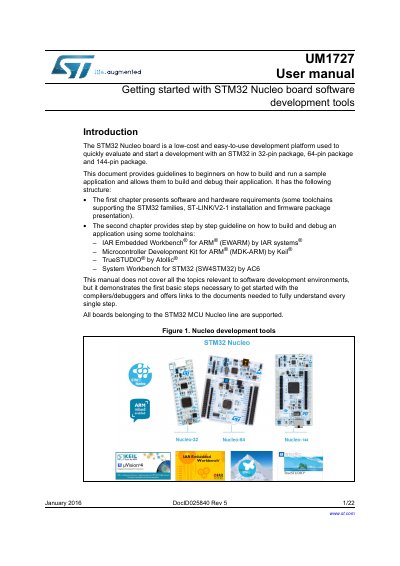
The STM32 Nucleo board is a low-cost and easy-to-use development platform used to quickly evaluate and start development with an STM32 in 32-pin, 64-pin, and 144-pin packages. This document provides guidelines for beginners on how to build and run sample applications and allows them to build and debug their own applications.
The manual covers system requirements, supported IDEs, ST-LINK/V2-1 installation, and firmware package usage. It details step-by-step instructions for compiling, linking, executing, and debugging projects using four specific toolchains: IAR Embedded Workbench for ARM, Microcontroller Development Kit for ARM, TrueSTUDIO by Atollic, and System Workbench for STM32 by AC6.
| Supported MCU Package Sizes | 32-pin, 64-pin, and 144-pin packages |
|---|---|
| EWARM Version Requirement | v7.10.3 or later |
| MDK-ARM Version Requirement | v5.17 or later |
| TrueSTUDIO Version Requirement | Lite v5 or later |
| SW4STM32 Version Requirement | v1.5 and later |
| Debug Interface Support | SWD interface only |
Run the ST-Link_V2_USB.exe file located in the IAR installation directory's arm/drivers folder.
The firmware is available from the www.st.com/stm32nucleo webpage.
No, the embedded ST-LINK/V2-1 only supports the SWD interface.