
This manual provides basic functionality and operation methods for the Sensi Smart Thermostat.
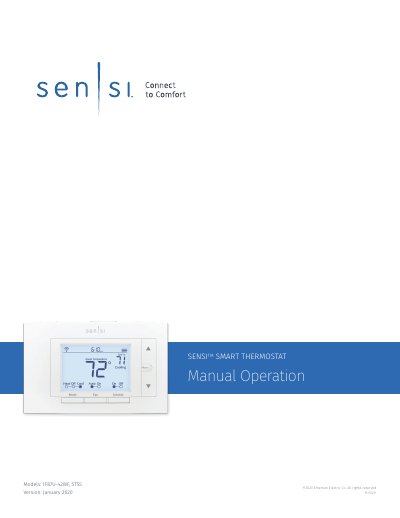
This manual explains how to operate the Sensi Smart Thermostat using its physical buttons or the Sensi app. It covers basic functionality, manual settings, menu configurations, wiring terminals, and back-of-the-face-plate details. Advanced features like scheduling and email alerts require the app. The thermostat supports Wi-Fi connectivity or manual operation with AA batteries for backup.
| Model | 1F87U-42WF, ST55 |
|---|---|
| Wi-Fi Status Icon | Indicates Wi-Fi connection status. Blank when Wireless is Off. |
| Battery Type | 2 AA Alkaline batteries |
| Wireless Radio | ON / Off |
It indicates Wi-Fi connection status. It becomes blank when Wi-Fi is turned off.
Press Menu, navigate to Wireless (Setup), change it to Off using up/down arrows, then press Exit.