
This document is Sensi Touch Smart Thermostat installation guide, which introduces how to download Sensi app, create account, install Thermostat, connect Thermostat and provides troubleshooting methods.
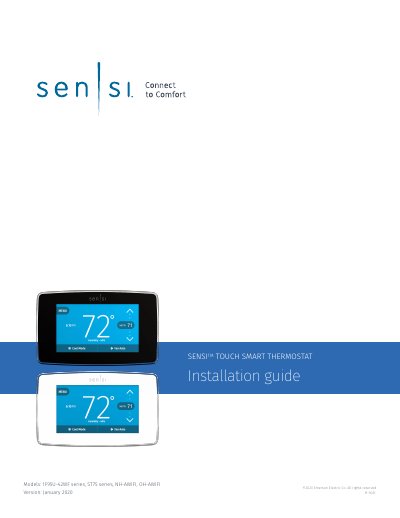
This guide provides step-by-step instructions for installing the Sensi Touch Smart Thermostat. It begins with downloading the Sensi app and creating an account, which is required to access remote features. The document details the necessary tools, including a screwdriver and drill, and explains how to prepare the installation site by gathering Wi-Fi credentials and removing the old thermostat cover.
The app requires Android version 5.0 or later and iOS version 10.0 or later.
Yes, the Sensi Touch requires a C-wire for operation.
No, you should throw away any jumper wires from the old unit because the new thermostat has a built-in jumper wire.