
This manual is the manual operation guide for Sensi TM Touch Wi-Fi thermostat. The manual introduces the thermostat's buttons and icons, basic functionality, menu settings and installation instructions.
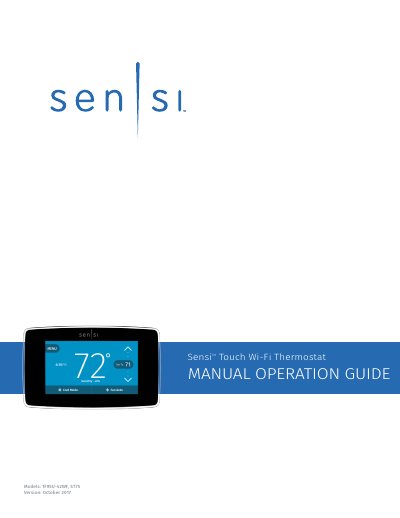
The document serves as a manual operation guide for the Sensi TM Touch Wi-Fi Thermostat. It explains the functions of various buttons and icons on the display, such as Mode, Fan, and Menu access. The guide details how to switch system modes between Heat, Cool, Off, Aux, or Auto, and how to manage fan settings.
When the mode is Off, the thermostat will not bring on your heating or cooling systems.
You can turn Wi-Fi off by pressing Menu, then Wi-Fi, toggling it Off, and pressing the back arrow.
The O/B terminal is for the changeover or reversing valve connection used in heat pump or zone panel systems.