
Key facts
- Manuals
- 3
- Languages
- EN
- Last added
- 2023-10-20
Featured Sensi manuals
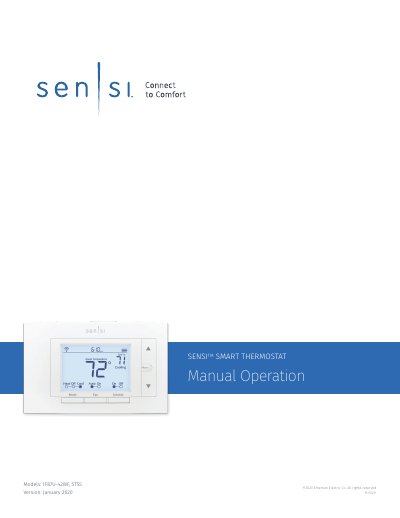
Sensi 1F87U-42WF Smart Thermostat User Manual
This manual explains how to operate the Sensi Smart Thermostat using its physical buttons or the Sensi app. It covers basic functionality, manual settings, menu configurations, wiring terminals, and back-of-the-face-plate details. Advanced features like scheduling and email alerts require the app. The thermostat supports Wi-Fi connectivity or manual operation with AA batteries for backup.
Covers: Buttons and Icons · Basic Functionality · Manual Settings · Menu Configurations · Wiring Terminals · Back of the Face Plate
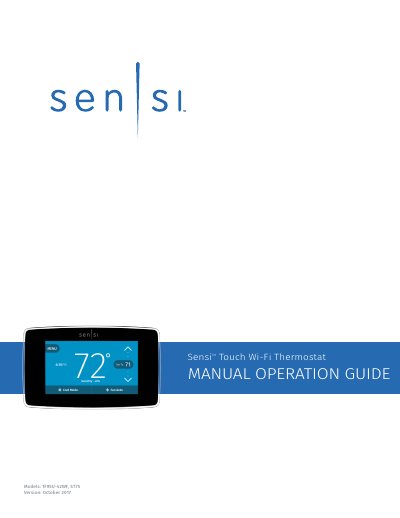
Sensi TM Touch Wi-Fi Thermostat Operation Guide
The document serves as a manual operation guide for the Sensi TM Touch Wi-Fi Thermostat. It explains the functions of various buttons and icons on the display, such as Mode, Fan, and Menu access. The guide details how to switch system modes between Heat, Cool, Off, Aux, or Auto, and how to manage fan settings.
Covers: Buttons and Icons · Basic Functionality · Menu Settings · Home Screen Content · Schedule Setup · Time Setup
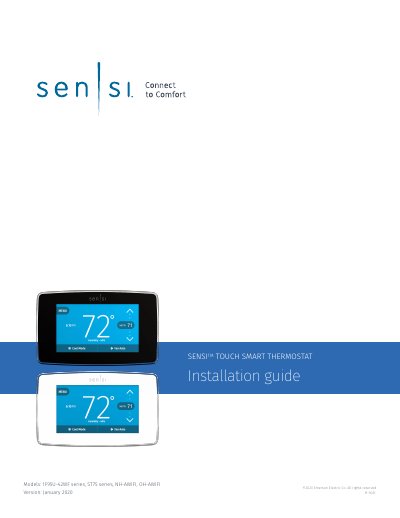
Sensi Touch Smart Thermostat Installation Guide
This guide provides step-by-step instructions for installing the Sensi Touch Smart Thermostat. It begins with downloading the Sensi app and creating an account, which is required to access remote features. The document details the necessary tools, including a screwdriver and drill, and explains how to prepare the installation site by gathering Wi-Fi credentials and removing the old thermostat cover.
Covers: Downloading the app and creating an account · Installing the Sensi thermostat · Connecting the Sensi thermostat · Troubleshooting · Notes · Turn Off Power
Latest Sensi manuals
Sensi 1F87U-42WF Smart Thermostat User Manual
User Manual 10 pages · 2.1 MB · ENManual operation guide for Sensi Smart Thermostat models 1F87U-42WF and ST55, covering buttons, settings, scheduling, and wiring.
Sensi TM Touch Wi-Fi Thermostat Operation Guide
User Manual 11 pages · 1.8 MB · ENThis manual provides operation instructions for the Sensi TM Touch Wi-Fi Thermostat models 1F95U-42WF and ST75, covering buttons, menu settings, and…
Sensi Touch Smart Thermostat Installation Guide
Installation Guide 13 pages · 1.2 MB · ENOfficial installation guide for Sensi Touch Smart Thermostat models 1F95U-42WF, ST75, NH-AWIFI, and OH-AWIFI, covering app setup, wiring, and Wi-Fi…
Which document do I need?
User Manual
Day-to-day operation, settings and troubleshooting. Start here if the product is already set up.
Installation Guide
Mounting, wiring and first power-up. Read it before the hardware goes in.
Questions answered in Sensi manuals
What does the Wi-Fi status icon indicate?
It indicates Wi-Fi connection status. It becomes blank when Wi-Fi is turned off.
How do I turn off Wi-Fi on the thermostat?
Press Menu, navigate to Wireless (Setup), change it to Off using up/down arrows, then press Exit.
What happens when the thermostat mode is set to Off?
When the mode is Off, the thermostat will not bring on your heating or cooling systems.
How do I turn off Wi-Fi on the thermostat?
You can turn Wi-Fi off by pressing Menu, then Wi-Fi, toggling it Off, and pressing the back arrow.
What operating systems are required for the Sensi app?
The app requires Android version 5.0 or later and iOS version 10.0 or later.
Is a C-wire required for the Sensi Touch thermostat?
Yes, the Sensi Touch requires a C-wire for operation.