
This manual describes the steps for installing Quasar Gen III, including installing components, connecting cables, and starting the system.
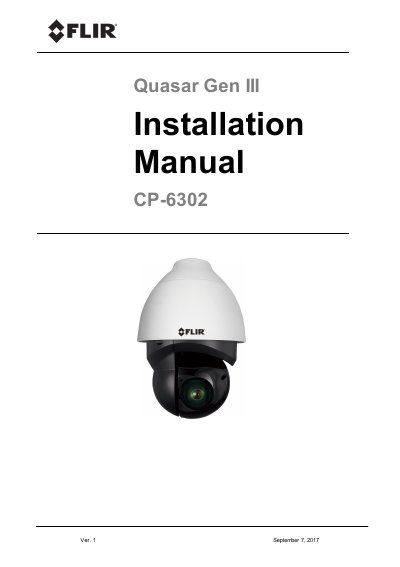
This document provides step-by-step instructions for installing the FLIR Quasar Gen III CP-6302 IR PTZ camera. It covers mounting options including ceiling, wall, and pole mounts, as well as waterproofing camera cables. Safety warnings and precautions are included to prevent injury or equipment damage. The guide assumes technical users familiar with CCTV and network equipment.
The document also includes general cautions, such as not opening the unit’s cover, avoiding physical shock, and ensuring proper temperature regulation during operation.
The ceiling must be able to support more than 23 newtons of gravity.
Use a clean cloth with a bit of ethanol to wipe the sensor gently.
Only qualified trained personnel should service and repair this equipment.