
This document is a user guide, which introduces the basic functions and usage methods of SLB Branch Office Manager
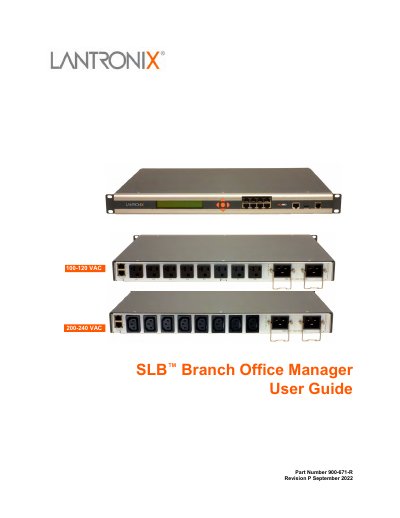
This document provides step-by-step instructions for installing, configuring, and managing the Lantronix SLB™ Branch Office Manager. It covers hardware setup, network and power connections, web and command-line interfaces, and firmware updates. The guide is intended for IT administrators and technicians managing branch office networking equipment.
The SLB™ is designed for branch offices and similar environments, offering power management, device port buffering, and integration with other Lantronix secure products. It supports multiple protocols, access control, and can be configured via front panel, web, or CLI interfaces.
The device accepts input supplies of 100-120 VAC or 200-240 VAC.
It is a Class A digital device pursuant to Part 15 of the FCC Rules.
They use a device-unique default password for local user sysadmin accounts.