
Explorer® Balances Service Manual provides operation and maintenance instructions for the Explorer® Balances.
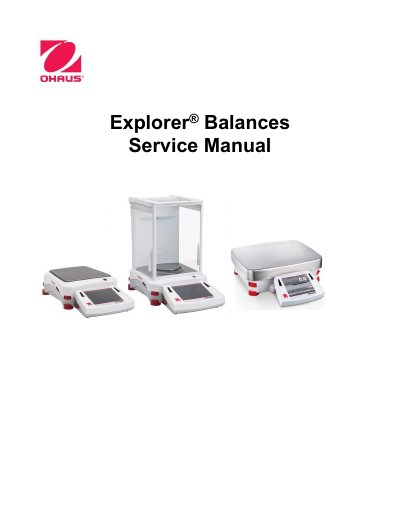
This service manual provides detailed instructions for servicing Ohaus Explorer® balances, including disassembly, component replacement, diagnostic testing, and calibration. It covers various models with different capacities and readability levels, including draftshield and high-capacity versions. The manual also includes specifications, troubleshooting guides, and required tools for authorized service personnel.
The document is organized into chapters covering getting started, diagnostics, maintenance procedures, testing, and parts lists. It includes tables of specifications, test masses, and calibration values for different models, as well as appendices for user calibrations, service menus, and software tools.
| Operating Temperature | 10°C to 30°C |
|---|---|
| Humidity | Max 80% at 31°C, decreasing to 50% at 40°C |
The maximum capacity is 12000 g.
The readability is 0.0001 g.
The specified temperature range is 10° C to 30° C.
The maximum relative humidity is 80 % for temperatures up to 31° C, decreasing linearly to 50% relative humidity at 40° C.