
This manual introduces the features and operation methods of the XE-A406 cash register.
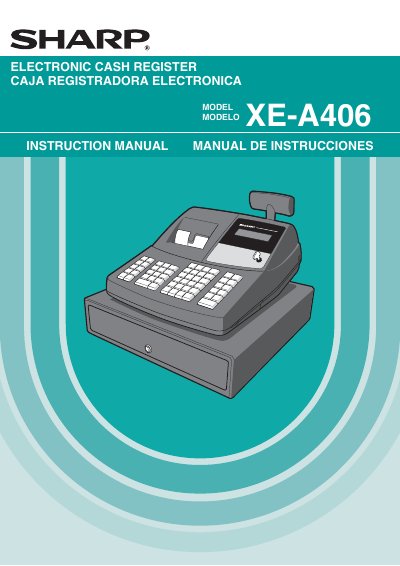
This manual provides detailed instructions for operating the Sharp XE-A406 electronic cash register. It covers basic sales entry, tax calculation, correction functions, and programming features for managers. The guide also includes maintenance procedures, troubleshooting, and specifications for the device.
The manual is bilingual, with an English version followed by a Spanish summary. It includes safety precautions, installation guidelines, and step-by-step procedures for daily operations, including handling errors, voiding transactions, and using optional features like SD memory cards and tax programming.
| Power Requirement | 120V AC 410% |
|---|---|
| Printer Type | Thermal printer, receipt/journal dual station |
| Memory Protection | Built-in memory protection circuit powered by rechargeable batteries |
Initialize the cash register before operating it to avoid distorted memory contents and malfunction. Refer to page 8 for the procedure.
Call 1-800-BE-SHARP for service — do not attempt to repair it yourself.
Plug in the machine and set the mode switch to any position other than “OFF” for 24 to 48 hours to ensure adequate charge.