
Newport Corporation warrants that this product will be free from defects in material and workmanship and will comply with Newport's published specifications at the time of sale for a period of one year from date of shipment.
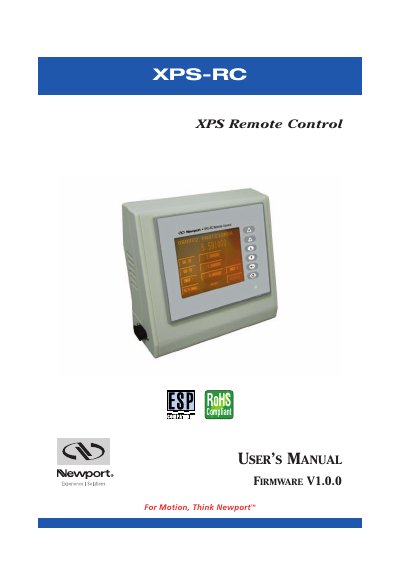
The XPS-RC is a wired remote graphic control panel designed for the XPS controller. It features a 3.8-inch touch screen interface and six permanent push buttons to enable computer-independent motion control and basic system diagnostics. The device supports firmware version 1.0.0 and is compatible with Motion and Think Newport™ series products.
| Screen Size | 3.8" |
|---|---|
| Push Buttons | 6 permanent push buttons |
| Position Range | -2147.483648 to 2147.483648 |
| Firmware Version | 1.0.0 |
A bad firmware screen will appear indicating the firmware is not compatible with the XPS controller.
Users should contact Newport Corporation or their local representative for technical support.