
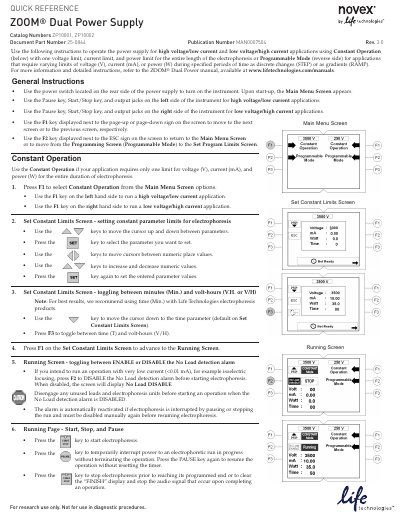
Life Technologies ZOOM Dual Power Supply User Manual

Instruction manual


Life Technologies ZOOM Dual Power Supply User Manual - cover page
Brand
Life technologies
Category
Other Electronics
Document type
User Manual
Language
English
Pages
2
File format
PDF
File size
253 KB
Published
19 October, 2023
Updated
19 October, 2023
MD5 checksum
DA5CFA2009D13902A98F5E1996BFFC32

About this manual

This manual provides instructions for operating the ZOOM Dual Power Supply for high voltage/low current and low voltage/high current electrophoresis applications. It details the use of Constant Operation mode, which sets single limits for voltage, current, and power, and Programmable Mode, which allows varying limits over time using STEP or RAMP functions.

What's inside

  • Constant Operation
  • Programmable Mode
  • Set Constant Limits Screen
  • Running Screen
  • Set Program Limits Screen
  • Programming Screen
  • No Load detection alarm
  • General Instructions

Specifications

Document Part Number25-0864
Publication NumberMAN0007504
Catalog NumbersZP10001, ZP10002

Frequently asked questions

How do I disable the No Load detection alarm?

Press the F2 key to DISABLE the No Load detection alarm, which is recommended for operations with very low current such as isoelectric focusing.

How many memory slots are available for programs?

You can choose from 16 Memory Nos. (0 –15) on each side of the instrument, with Memory No. 0 used for immediate use without storage.

Download PDF (253 KB)

More Life technologies Manuals


View all Life technologies manuals →