
This document is the installation manual for the Anderson HT optical sensor, which introduces the installation, startup and recalibration, etc.
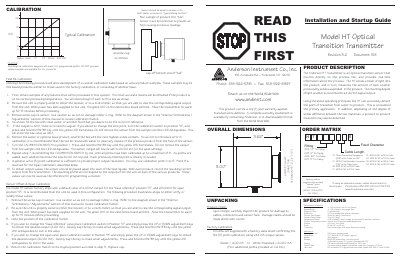
This guide provides step-by-step instructions for installing and calibrating the Anderson HT Optical Transition Transmitter. It covers mounting, wiring, calibration procedures using reference fluids, and troubleshooting LED indicators. The sensor detects transitions between liquids based on light scatter and outputs a 4-20 mA signal.
Calibration involves setting reference points using known fluids, adjusting calibration switches, and verifying output with a multimeter or receiver. The sensor is factory-calibrated for water (4.00 mA) and white standard (20.00 mA), but custom calibration can be performed for specific products.
| Output | 4-20 mA |
|---|---|
| Power | 15-28 VDC |
| Process Temp Range | 32 to 190 deg F (continuous) |
| Ambient Temp Range | 40 to 120 deg F |
| Accuracy | +/-0.2% of span at 4.00 mA (Water) |
| Response Time | 10 milliseconds |
| Resolution | 0.10% of reading with typical calibration |
| Housing Material | 316-series stainless steel |
| Dimensions | 3.0” diameter x 3.6” length (approx.) |
| Weight | 4lbs (approx.) |
The factory calibration sets 4.00 mA for water (position 0) and 20.00 mA for white standard (position 9).
It is recommended to perform a calibration check every 6 months to verify accuracy due to changes in product properties.