
This is a Anderson Instrument Co. Inc.'s Pulse 100 Liquid Level Monitor product manual, which introduces the product's features and characteristics
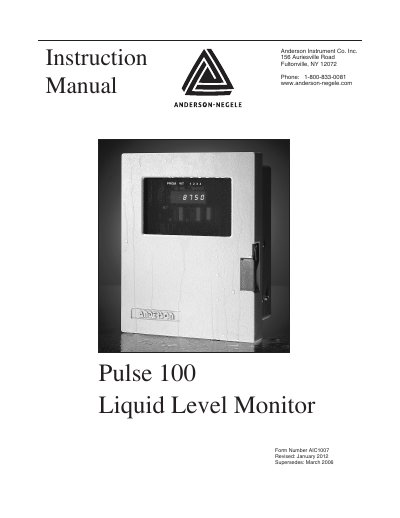
The Anderson Instrument Pulse 100 Liquid Level Monitor is a device designed for monitoring liquid levels. The manual details the installation of the power supply board, specifying the L1, L2, and GND terminals, and instructs on orienting the board correctly within the slot.
For signal wiring, the document describes connections for the SL Level Sensor Input and retransmission signals, including specific terminal assignments for 4-20 mA transmitters. Additionally, it explains how to program process data using momentary contact switches and a DIP switch bank to configure parameters such as specific gravity, setpoints, and display units.
| Power Supply | 110 V |
|---|---|
| Sensor Input Voltage | 15 VDC |
| Output Signal | 4-20mA |
| Memory Type | EEPROM |
Wire to the (+) and (-) OUT terminals on the main circuit board.
The programmed data will not be erased or lost because it is stored in EEPROM memory.
Open DIP Switch 7 to display in Liters/Kilograms or close it to display in Pounds/Gallons.