
Anderson Instrument AV-Series Troubleshooting Guide

AV Basic Errors Troubleshooting Guide, which introduces AV basic errors and their solutions.
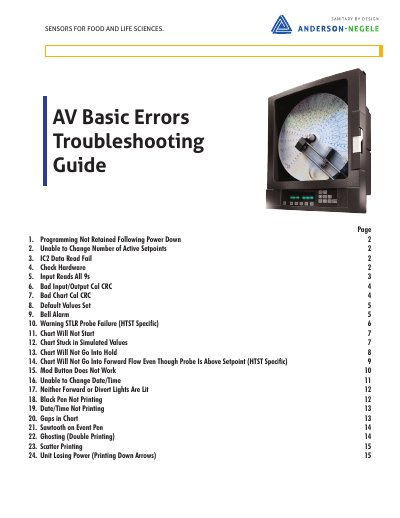

Anderson Instrument AV-Series Troubleshooting Guide - cover page
Brand
Anderson Instrument
Category
Other Electronics
Document type
Service Manual
Language
English
Pages
15
File format
PDF
File size
4.5 MB
Published
19 October, 2023
Updated
19 October, 2023
MD5 checksum
E79FECFA16BBB7A0F7272B61C0CCDEF1

About this manual

This document serves as a troubleshooting guide for Anderson Instrument AV-Series recorders, specifically addressing issues related to programming retention, input/output calibration, and charting functions. It provides step-by-step instructions for diagnosing and resolving common errors such as 'Programming Not Retained Following Power Down' and 'IC2 Data Read Fail'.

What's inside

  • Programming Not Retained Following Power Down
  • Unable to Change Number of Active Setpoints
  • IC2 Data Read Fail
  • Bad Input/Output Cal CRC
  • Bad Chart Cal CRC
  • Default Values Set
  • Bell Alarm
  • Warning STLR Probe Failure
  • Chart Will Not Start
  • Chart Stuck in Simulated Values

Specifications

Part Number for Lithium Battery72801401
Part Number for LED Assembly40052001
Part Number for HTST Relay BoardSP04625105

Frequently asked questions

What should be done if programming is not retained after a power down?

Check and replace the 3V Lithium battery on the motherboard if it is dead.

How can an IC2 Data Read Fail be resolved?

Power down the recorder and leave it powered down for 10-15 minutes.

What causes the 'Default Values Set' error?

It occurs when the model number is changed by one digit and then changed back to the proper model number.

What is the procedure for fixing 'Ghosting (Double Printing)'?

Replace the ink cartridge and check the resistance on the motor driver board.

Download PDF (4.5 MB)

More Anderson Instrument Manuals


View all Anderson Instrument manuals →