
This document is the maintenance manual for KRF-V4530D/5030D/6030D/VR-405/406/414
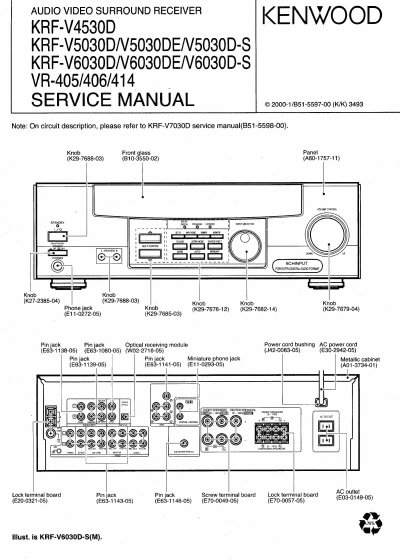
This service manual covers Kenwood’s KRF-V4530D, KRF-V5030D, KRF-V6030D, VR-405, VR-406, and VR-414 audio/video surround receivers. It includes circuit descriptions, adjustment procedures, and component details. The manual also explains remote control functions and differences between models. It references the KRF-V7030D service manual for circuit details where needed.
The following items will be deleted from the unit's memory: Power mode, Input selector settings, Device preset, Picture output, Speaker ON/OFF, Volume level, BASS, TREBLE, INPUT level, Subwoofer ON/OFF, Dimmer level, Monitor ON/OFF, MD/TAPE settings, 6CH/2CH input setting, Listen mode setting, Speaker settings, Input mode setting, Midnight mode setting, Broadcast band, Frequency setting, Preset stations, Tuning mode, and Memory back up function.
To use the jacks as MONITOR jacks, hold down the MONITOR key of the main unit for more two seconds so that the MONITOR indication appears.
For U.S.A. and Canada, unplug the power cord from the wall outlet, then plug it back in while holding down the POWER key. For other countries, with the power cord plugged in, turn the POWER key OFF, then while holding down the ON/STANDBY key, press POWER.