
KRV-V5010/V5010E/V5010W/KRF-V6010/V6010E/V6010W/KRF-V7010/V7010E/V7010W/VR-205/207/255/257 Service Manual

This is a product maintenance manual for an audio video surround receiver.
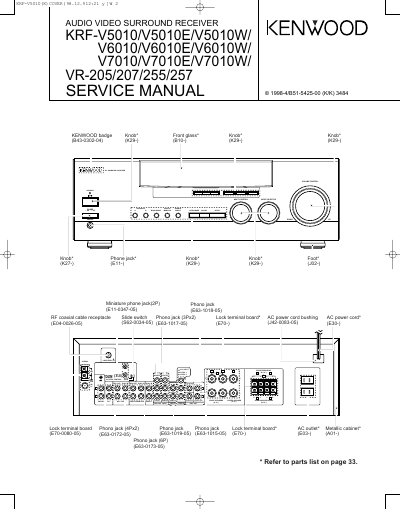

KRV-V5010/V5010E/V5010W/KRF-V6010/V6010E/V6010W/KRF-V7010/V7010E/V7010W/VR-205/207/255/257 Service Manual - cover page
Brand
Kenwood
Category
Other Electronics
Document type
Service Manual
Language
English
Pages
40
File format
PDF
File size
3.1 MB
Published
19 October, 2023
Updated
19 October, 2023
MD5 checksum
342D5B40C73EB1E98BBCB1AA861886B9

About this manual

This document is a service manual for the Kenwood KRF-V5010, V6010, V7010, VR-205, VR-207, VR-255, and VR-257 Audio Video Surround Receivers. It provides detailed instructions for resetting the microcomputer and lists the specific parts numbers and models required for various regions, including the USA, Canada, and other countries. The manual includes exploded views and parts lists for repair and maintenance.

What's inside

  • CONTENTS / ACCESSORIES
  • CONTROLS
  • DISASSEMBLY FOR REPAIR
  • WIRING DIAGRAM
  • BLOCK DIAGRAM
  • CIRCUIT DESCRIPTION
  • ADJUSTMENT
  • PC BOARD
  • SCHEMATIC DIAGRAM
  • EXPLODED VIEW

Frequently asked questions

What steps are required to reset the microcomputer if the unit malfunctions?

Unplug the power cord from the wall outlet, then plug it back in while holding down the POWER key.

What happens to the memory contents when the microcomputer is reset?

Resetting the microcomputer will clear the contents of the memory and return the unit to its factory state.

How many screws are required to remove the rear panel for repair?

You must remove 9 screws to take off the rear panel.

Download PDF (3.1 MB)

More Kenwood Manuals


View all Kenwood manuals →