
This manual provides detailed information on the operation and features of the Kenwood KRF-V5010/V5010E/V5010W/KRF-V6010/V6010E/V6010W/KRF-V7010/V7010E/V7010W/VR-205/207/255/257.
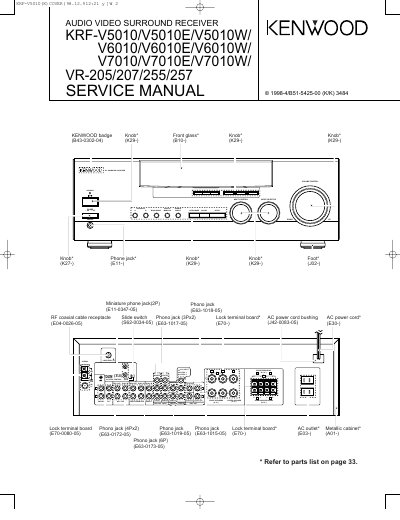
This document is a service manual for Kenwood audio video surround receivers, specifically the KRF-V5010, V6010, V7010 series and the VR-205, 207, 255, 257 models. It provides detailed instructions for repair and maintenance, including sections on controls, disassembly for repair, wiring diagrams, block diagrams, circuit descriptions, and schematic diagrams.
For the U.S.A. and Canada, unplug the power cord and plug it back in while holding down the POWER key. For other countries, turn the POWER key OFF, then press POWER while holding down the ON/STANDBY key.
Resetting the microcomputer clears the contents of the memory and returns the unit to the state it was in when it left the factory.
When the STANDBY indicator is lit, the unit consumes a small amount of power to preserve the memory and allows the power to be turned on using the remote control.