
This is a VBOX3i 100Hz GPS Data Logger User Guide, which introduces the product's features and usage methods.
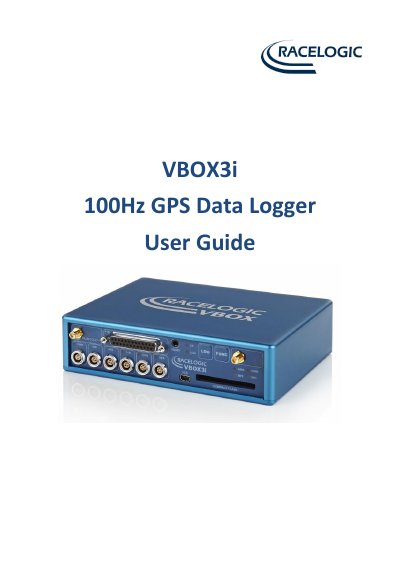
This user guide explains how to set up and operate the Racelogic VBOX3i 100Hz GPS data logger. It includes instructions for mounting the GPS antenna, connecting power, acquiring satellite lock, and configuring logging modes. The device supports 100Hz data logging, 4 analogue inputs, 2 CAN bus interfaces, and Bluetooth connectivity. It also details optional accessories like IMU modules and DGPS basestations for improved accuracy.
The guide covers hardware setup, LED indicators, software installation (VBOXTools), and troubleshooting tips for common issues such as satellite lock problems or antenna positioning.
| Logging Rate | 100, 50, 20, 10, 5 or 1Hz |
|---|---|
| Operating Voltage | 7V to 30V |
| Analogue Inputs | 4 x 24bit synchronous differential analogue inputs ±50v |
| CAN Bus Interfaces | 2 x CAN bus interface |
| GPS Latency | 6.75ms |
In default mode, it logs data when the vehicle is moving at a speed above 0.5 km/h and stops when speed drops below 0.5 km/h.
Use the Bluetooth interface and follow the pairing instructions in the manual.