
LabSat 2 is a dedicated Global Navigation Satellite System (GNSS) signal generator with RF record and playback facilities, enabling real world GNSS RF testing to take place in the laboratory. The LabSat is small and rugged, allowing it to be used in the field to continuously record the Global Positioning System (GPS), Galileo, BeiDou Navigation Satellite System (BDS) and GLONASS RF signals in a digital form which can then be replayed at a later date. LabSat 2 is ideal for almost any kind of GNSS development, e.g. GPS/Galileo/BDS/GLONASS engines, GNSS enabled Smartphones, Portable Navigation Devices (PND), tracking systems and much more. It is also very well suited to production.
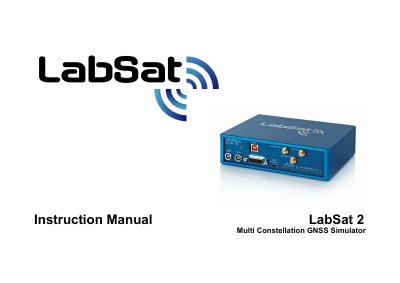
The Racelogic LabSat 2 is a dedicated Global Navigation Satellite System (GNSS) signal generator with RF record and playback facilities. It enables real-world GNSS RF testing in the laboratory or field by recording GPS, Galileo, BeiDou, and GLONASS signals to a hard drive for later replay.
| Supported Constellations | GPS, Galileo, BeiDou (BDS), GLONASS |
|---|---|
| Output Signal Level | -83 dBm |
| Attenuation Range | -107dBm to -83dBm |
| USB Interface Speed | USB 2.0 HI-SPEED |
| Minimum PC RAM (Record) | 2GB RAM |
The output signal of the LabSat 2 is at a nominal level of -83 dBm when replaying previously recorded data.
Yes, using PC software you can attenuate the output by approximately 24 dB to reach a range down to -107dBm.
A desktop or laptop with an Intel Core2 Duo 1.8 GHz processor, 2GB RAM, and a 250GB Hard Drive is required.