
Dell Latitude E6500 Service Manual, contains steps, precautions and warnings for disassembling computer internal components
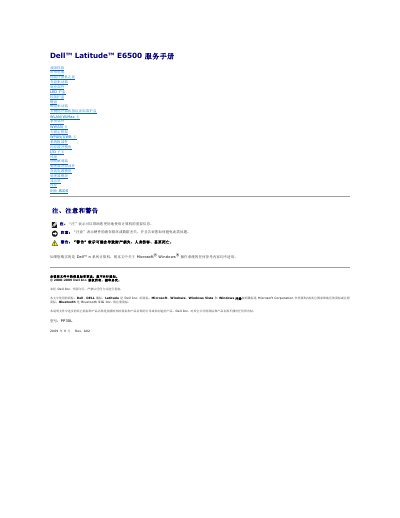
This service manual provides detailed instructions for disassembling and reassembling the Dell Latitude E6500 laptop, including removing and replacing components like the battery, system board, and various cards. It also covers BIOS refresh procedures and safety precautions. The manual is written in Chinese and includes diagrams and step-by-step guidance for technicians.
The document includes sections on handling components safely, using recommended tools, and following safety guidelines to prevent damage or injury. It also addresses specific hardware components such as the coin battery, base assembly, and card retention frames, with detailed steps for removal and reinstallation.
You may need a small flat-blade screwdriver, a Phillips screwdriver, and a small plastic scribe.
You must hold the power button for 4 seconds.
The BIOS resets to default settings and the real-time clock is set to the build date.