
This user manual explains how to use the Hitachi 55QLEDSM20 TV
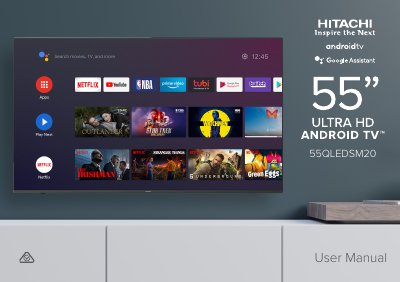
This manual guides users through setting up and operating the Hitachi 55QLEDSM20 TV, including unpacking, wall-mounting or stand installation, connecting power and antenna, and using the remote control. It also covers smart TV features like app management, voice interaction, and Google Assistant integration.
The manual includes detailed sections on TV settings, inputs, network configuration, recording, playback, and troubleshooting. Technical specifications such as screen size, resolution, power consumption, and dimensions are provided for reference.
| Active screen size (diagonal) | 138.79cm |
|---|---|
| Resolution | 3840 x 2160 |
| Refresh rate | 60Hz |
| Aspect ratio | 16:9 |
| Power source | AC 100-240V, 50/60Hz |
| Power consumption | 160W |
| Dimensions (W x D x H) With stand | 1229 x 250 x 772 mm |
| Weight Net | 13.0 kg |
The box includes the TV, remote control, AAA batteries, mini AV adaptor, TV stands, screws, warning sheet, TV toppling safety message, quick start guide, warranty certificate, and user manual.
Connect the TV to the power outlet and leave it switched off until all cables are connected and installation is complete.
The TV measures 1229 x 250 x 772 mm with the stand attached.
The TV consumes 160W of power.