
Instruction manual for the Hitachi DV-P788A DVD player covering setup, operation, safety and troubleshooting.
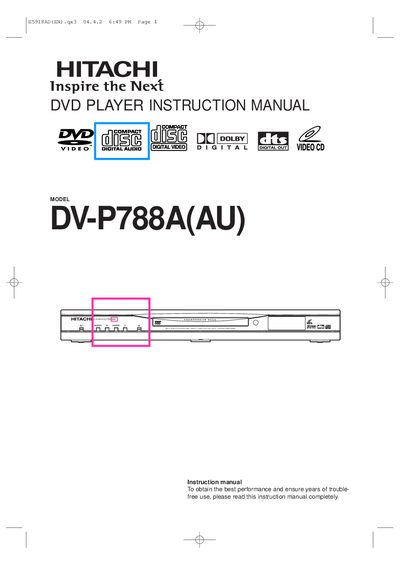
This manual provides the necessary information to install, operate and maintain the Hitachi DV-P788A DVD player. It includes safety precautions, a functional overview of the front and rear panels, remote‑control usage, connection options, and detailed playback features for DVD, CD, VCD, MP3 and JPEG discs.
The guide also contains a troubleshooting section, specifications, and maintenance instructions, helping users resolve common issues and keep the unit in good working condition.
Plug the unit into a 240 V ~ 50 Hz AC outlet and press the STANDBY button to power it on.
The remote control uses two AA (R6P) batteries.
No – the manual warns not to expose the appliance to rain or moisture to avoid fire or electric shock.