
Hitachi S10 Series SIO Driver GP-Pro EX Device/PLC Connection Manual

This manual describes how to connect the Display and the External Device (target PLC), including system configuration, selection of external device, communication settings, connection cable, supported device, device code and address code, error messages.
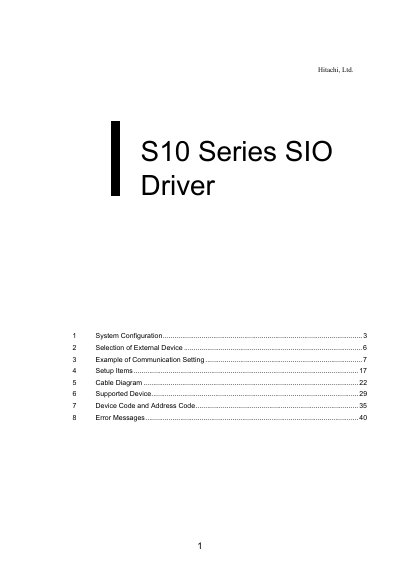

Hitachi S10 Series SIO Driver GP-Pro EX Device/PLC Connection Manual - cover page
Brand
Hitachi
Document type
User Manual
Language
English
Pages
40
File format
PDF
File size
540 KB
Published
19 October, 2023
Updated
19 October, 2023
MD5 checksum
2212A0C38658529ECF437DCD8ACAF319

About this manual

This manual provides step-by-step instructions for connecting the Hitachi S10 Series SIO Driver to external devices like GP-Pro EX or PLCs. It covers system configuration, device selection, communication settings, cable diagrams, and error handling. The document includes detailed setup procedures, supported device models, and communication protocols such as RS-232C and RS-422/485.

What's inside

  • System Configuration
  • Selection of External Device
  • Example of Communication Setting
  • Setup Items
  • Cable Diagram
  • Error Messages

Frequently asked questions

What is the S10 Series SIO Driver used for?

It is used to connect the Display and an External Device (target PLC).

What port is used to connect the GP-Pro to the Display?

The connection uses Port COM1.

What is required to connect to the Display using the LPU Module?

A C revision or higher version of the LPU Module is required.

Download PDF (540 KB)

More Hitachi Manuals


View all Hitachi manuals →